Crazy Eights on your own devices
Crazy Eights online is the card game of matching suits and wild eights, with every player holding their own hand on their own phone, tablet or computer. Start a room, send the link or the code to two, three or four friends, and the host taps Start once everyone is in. Nobody needs an account. Your cards stay at the bottom of your screen; everyone else is a name and a number of cards.
Our server deals the cards and keeps the stock, so the hands are shuffled fairly and each phone is sent only its own hand: the other hands and the order of the stock never reach your device. On your turn, match the top card by suit or by rank, or play an eight and name the next suit. When nothing fits, the game draws for you, and only your screen shows which cards you drew. The host chooses one hand or a game to 100 points, and whether you draw until you can play or draw one card.
Free for 2–5 players, each on your own phone, tablet or computer. Share a link or a 6-character code; nobody needs an account or a download.
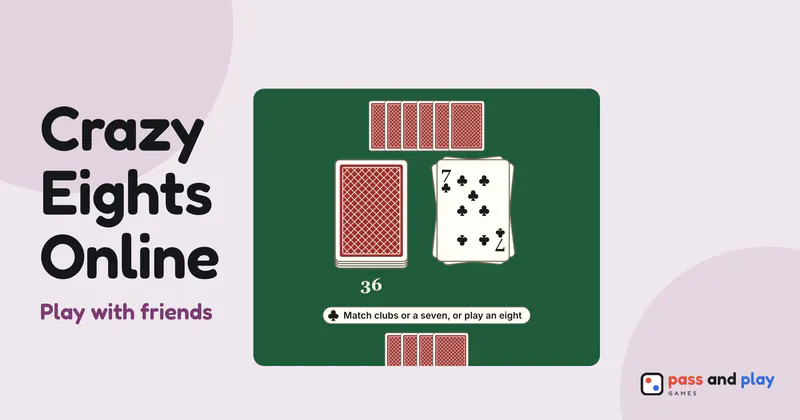
How to play Crazy Eights online with friends
A Crazy Eights room is for two to five players, each on their own phone, tablet or computer. Create a room, send the link or the 6-character code, and wait for everyone’s name to appear before the host taps Start. The host sets two choices in the lobby:
- Can’t play: Draw until you can (the usual rule) takes cards from the stock until one fits and plays it for you; Draw one takes a single card, which you may play if it fits or keep.
- Play to: One hand ends the game when someone plays their last card; 100 points deals hand after hand, and the player who goes out scores the cards left in everyone else’s hands, until someone reaches 100.
With two players everyone is dealt seven cards; with three to five, five each. A room seats people only: to play the computer at any of its three levels, use the one-device game.
Your hand stays on your phone
On one device the phone goes round the table and everyone looks away while the next person plays. Online there is none of that. Your own cards sit at the bottom of your screen the whole game, sorted by suit, and the other players are a name and a number of cards. Our server holds the stock and every hand, and it sends each phone only its own cards: another player’s hand, the order of the stock and the shuffle never reach your device, so there is nothing in the page to peek at.
When it is your turn, the cards you can play are raised. Tap one and then tap Play, or tap it again; a card of the same suit or the same rank goes on the discard pile, and an eight goes on anything and opens the suit chooser, where you name the suit the next player must match. In a room the first tap only picks the card up, so a slip doesn’t throw away your eight (you can switch this off under More). With a keyboard, move along your hand with the arrow keys and press Enter.
Drawing, and what everyone sees
When nothing in your hand fits, the game draws for you. Everyone sees how many cards you drew and the card you then played; only your screen says which cards they were, in a line above your hand. When the stock runs out, the discard pile under its top card is shuffled into a new stock, at most three times a hand.
When a player plays their last card, every hand is turned face up on every screen with its points: eight 50, king, queen and jack 10, ace 1, the others their number. Playing to 100, the scores carry over and the player who made the last decision deals the next hand. After the game the host can start a rematch, and the room keeps count of the wins.
Tips for Crazy Eights against friends far away
- Keep your eights. An eight saves a hand that has nothing else to play; spend one early and you may be drawing a long way later.
- Watch the counts. A player with one or two cards is close to going out: change the suit away from whatever they just played.
- Notice who draws. A player who had to draw on hearts holds no heart; an eight naming hearts may leave them drawing again.
- Talk on a call while you play. Saying “last card!” out loud makes it feel like a game at the kitchen table.
The Crazy Eights rules cover the deal, the eights, drawing and scoring in full, and the Crazy Eights tutorial explains when to play your eights. Want to play the computer, or pass one phone around? Play Crazy Eights on one device instead.
Rooms are private and close by themselves after the game; the server keeps a room’s names and moves only while it is open. See the privacy policy for the details.