Play Never Have I Ever on one phone with 3 to 12 people. A card comes up, the reader says “Never have I ever…” and the rest of the sentence, and everyone who has done it puts a finger down. The phone deals the cards, counts everyone’s fingers and shows who is left, so you only have to laugh and tell the stories. Choose clean decks for kids, families, friends or work, answer out loud or in secret, and add your own cards. It is free, needs no sign-up and keeps working offline once the page has loaded.
How to play Never Have I Ever
- Type in 3 to 12 names, pick the decks and press Start. Put the phone on the table.
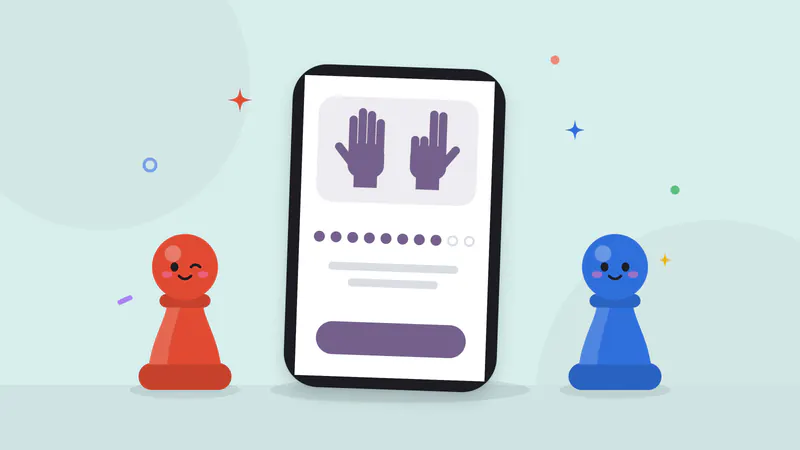
- Everyone holds up ten fingers, for real as well as on the screen.
- Each round has a reader, and the reader changes every round. The reader reads the card out loud: “Never have I ever… slept in a tent.”
- Everyone who has done it says so and puts one finger down. The reader taps their names and presses Confirm. If nobody has, tap Nobody has.
- The reveal shows who has done it and everyone’s fingers left. Tap Next card.
- When someone runs out of fingers, they keep playing along. The game ends when only one person has fingers up, after your rounds, or when you tap End. The last fingers standing win.
The complete Never Have I Ever rules explain the ten-fingers rule, secret answers, skips and how this site decides the winner.
Play Never Have I Ever on one device
The phone lies on the table where everyone can see it, and nobody needs a phone of their own. In the usual Out loud mode the answers are spoken, the stories come out, and the reader taps the names. Some groups prefer Secret answers: the phone goes round, each person taps I have or I haven’t behind a pass screen, and the reveal shows everyone at once. Secret mode is good for shy players, and it stops anyone changing their answer after seeing the others.
Undo takes back a whole round, so a mis-tap costs nothing. Skip swaps a card nobody likes for a new one; each reader gets one skip by default, and you can turn skips off or make them unlimited under More options. On a laptop, play from the keyboard: number keys tap names, Enter confirms and moves on, and S skips.
Never have I ever questions for every group
- Kids (6–12): playground, pets, school and silly moments. “Never have I ever… made a volcano erupt with baking soda.”
- Family: for every age at once, from grandparents to kids. Cooking mishaps, road trips and small mix-ups like putting the cereal in the fridge.
- Friends (teens+): more social, still clean. Music, screens, travel and the messages you sent to the wrong person.
- Work: meetings, video calls and email, fine for any team to read out. “Never have I ever… replied all to an email by accident.”
Each deck has more than 120 cards, every one written for this game and kept kind: nothing romantic or adult, nothing risky, nothing about money or anyone’s body. Mix decks for a wider range. Within a game no card comes up twice, and the cards you saw in recent games on this device come last, so the next game feels new.
Your own cards
Tap Add my prompts on the setup screen and type what comes after “Never have I ever”: an inside joke, a trip you all took, or a question about your class. You can keep up to 100 on this device. Pick the My prompts deck to play them, on their own or mixed in with the built-in cards.
Quick tips
- For a shorter game, choose 5 under Fingers in More options.
- With young children, pick Kids and Family and play out loud: the stories are the best part.
- Keep it kind: anyone can skip a card, and nobody has to explain an answer.
- For a big group, choose 20 rounds or Endless and stop with End when everyone is ready.
The Never Have I Ever hosting tips cover writing good cards, choosing decks for your group and keeping shy players comfortable.
More party and family games
Never Have I Ever is one of our party games for a group sharing one screen. For more questions with the same group, try Truth or Dare, act out words in Charades or find the bluffer in Imposter. Our family games and offline games have more ideas for game night, trips and holidays.