Dominoes on your own devices
Dominoes online puts the line of tiles on every screen and each hand on its own player’s phone, tablet or computer. Start a room for two to four people and send the link. When the game starts, every player sees their own tiles along the bottom and the others’ only as a count, so the table works just like a real one with everyone’s tiles stood on edge.
On your turn, tap a tile that matches an open end; if it fits both, pick the end. Can’t play? In the Draw game the server draws from the boneyard for you until a tile fits, and only you see what came up; in the Block game you pass. The hand ends with a domino or a blocked line, every hand is turned face up, and the scores add up until someone reaches 50, 100 or 150 points.
Free for 2–4 players, each on your own phone, tablet or computer. Share a link or a 6-character code; nobody needs an account or a download.
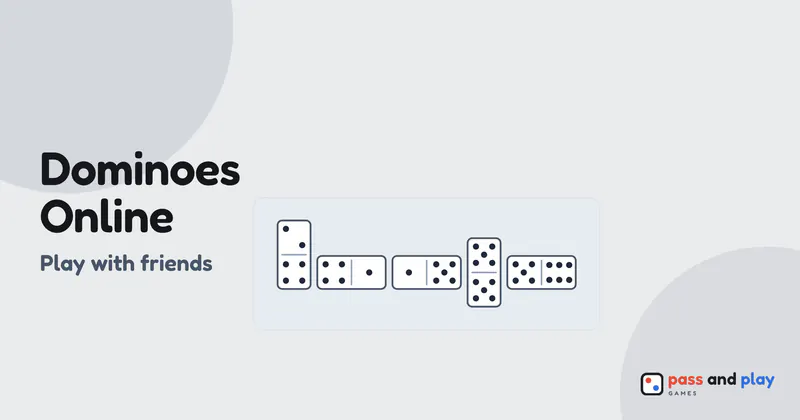
How to play Dominoes online with friends
A Dominoes room is for two to four people, each on their own phone, tablet or computer. Create a room, send the link or the 6-character code, and wait until every name has appeared before the host taps Start. The host chooses in the lobby:
- Game: the Draw game, where a player who can’t match an end takes tiles from the boneyard, or the Block game, where they pass.
- Play to: 50, 100 or 150 points across as many hands as it takes.
Nobody chooses who starts: the lead always goes to the highest double, or the highest tile when nobody holds a double, and it is set on the table by itself.
Two players get seven tiles each; three or four players get five each. A room is people only: for computer players at three levels, or for a table of people and computers sharing one phone, use the one-device game.
Your hand stays on your screen
Every screen shows the same line of tiles, with its two open ends, and each player’s own hand along the bottom. The others’ hands show only as a count next to each name, and the boneyard as the number of tiles left in it. There is no pass screen and no device to hand over: everyone looks at their own tiles all the time, the way a real hand stands on its edge.
Our server shuffles and deals the set and holds the boneyard. Another player’s tiles never reach your device while the hand is on, and when someone draws, only they see what came up; the rest of the table sees how many tiles they took.
Playing a hand
On your turn, the tiles that fit are marked: tap one to lay it on its end, or, when it fits both ends, tap it and then the end you want. When nothing in your hand fits, the turn plays itself: in the Draw game the server draws for you until a tile fits, and in the Block game you pass. Every screen marks the latest tile, so nobody misses a move.
A hand ends when someone plays their last tile (a domino) or when nobody can play at all (a blocked game). Then every hand is turned face up on every screen with its pip count, and the points are added: the domino scores the pips left in everyone else’s hand, and a blocked game goes to the lowest count. The hand’s winner taps Next hand to deal again, or, when nobody scored, the player who moved last. The first to the target wins the match, and a rematch starts a new one in the same room.
Tips for Dominoes with friends far away
- Watch who passes. A player who passes with a 4 open holds no 4s, so keeping a 4 at the end can hold them up.
- Play your heavy tiles early. If the hand blocks, the lowest pip count wins, so a hand full of sixes is a risk.
- Try the Block game for quicker, tighter hands with no boneyard to fall back on.
- Keep the call going. Calling out the open ends as you play makes the online table feel like a real one.
The Dominoes rules explain the deal, the lead and the scoring in full, and the Dominoes strategy tutorial shows how to count pips and read the other hands. Want computer players, or to share one phone? Play Dominoes on one device instead.
Rooms are private and close by themselves after the game; the server keeps a room’s names and moves only while it is open. See the privacy policy for the details.