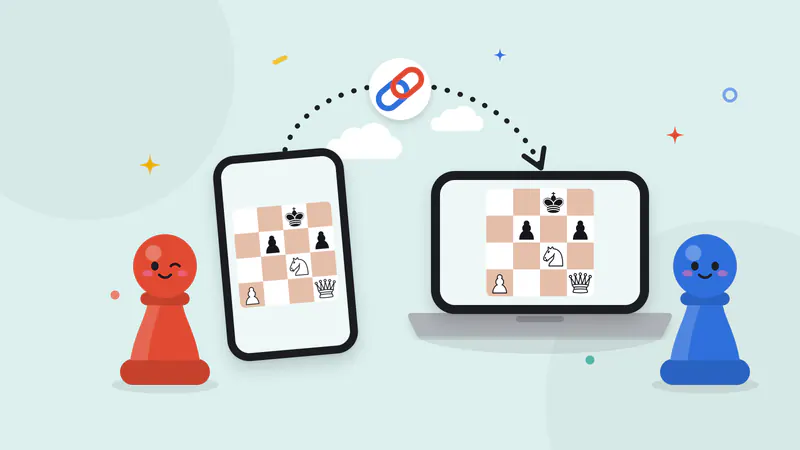
Matching Pairs on your own devices
Matching Pairs online is the memory game of turning over tiles two at a time, with the same grid on every player’s phone, tablet or computer. Start a room for two to four people and send the link. On your turn, tap two face-down tiles: they turn over on every screen at once, so everybody gets the same look and the same chance to remember where things are.
Find a matching pair and it is yours, marked with your number, and you go again; miss, and both tiles stay face up for a moment on every screen before they turn back and the next player tries. Our server keeps the grid, so a tile nobody has turned over yet can’t be read from any page. The host chooses the grid size, Shapes, Numbers or Animals, and whether a match earns another turn.
Free for 2–4 players, each on your own phone, tablet or computer. Share a link or a 6-character code; nobody needs an account or a download.
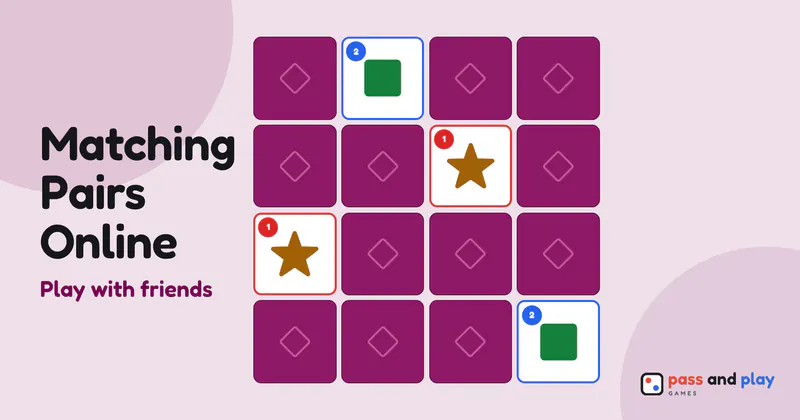
How to play Matching Pairs online with friends
A Matching Pairs room is for two to four people, each on their own phone, tablet or computer. Create a room, send the link or the 6-character code, and wait until every name has appeared before the host taps Start. The host chooses in the lobby:
- Grid: 4×3 with 6 pairs, 4×4 with 8 pairs (the default), or 6×5 with 15 pairs.
- Pictures: Shapes, Numbers or Animals. Numbers and shapes are easy to say out loud; animals are a favourite with young children.
- Extra turn after a match (under More options): on by default, so finding a pair lets you go again. Turn it off and the turn passes after every two tiles, whatever happens.
A room needs at least two people. To play on your own and try to beat your fewest turns, or to play against computer players that only remember what they have seen, use the one-device game.
The same grid on every screen
Every screen shows the same grid of face-down tiles, and every tile turned over turns over on every screen at the same moment. Nobody has to lean over a shared phone or wait for it to come round: whoever’s turn it is taps on their own device, and everyone else watches the same tiles and tries to remember them.
Our server shuffles the pictures and keeps the grid. A phone receives a picture only once its tile has been turned over in front of the whole table, so a tile nobody has seen can’t be read from the page, by anyone.
Taking turns and taking pairs
On your turn, tap two face-down tiles. If they match, the pair is yours: the two tiles stay up, ringed in your colour with your number on them, and with the extra turn on you go again. If they don’t match, both pictures stay face up on every screen for a moment so everyone can take them in, then they turn back and the next player goes. The player bar shows how many pairs each of you holds.
The game ends when the last pair is taken. The player with the most pairs wins, and equal pairs share the win. A rematch deals a new grid in the same room, and the first turn moves round to the next player.
Tips for Matching Pairs with friends far away
- Say what you see. Calling out “a cat, top left” as a tile turns over helps young players remember, and it makes the game livelier on a call.
- Turn over a new tile first. Start your turn with a tile nobody has seen yet: if it matches one you remember, you know where its twin is.
- Start small with children. The 4×3 grid is a quick game for little ones; move up to 6×5 when everyone wants a challenge.
- Try it without extra turns for a closer game, where nobody can clear half the grid in one go.
The Matching Pairs rules cover the grids, the turn and the scoring in full, and how to win Matching Pairs shows ways to remember more tiles. Want to play alone, against computer players, or around one phone? Play Matching Pairs on one device instead.
Rooms are private and close by themselves after the game; the server keeps a room’s names and moves only while it is open. See the privacy policy for the details.