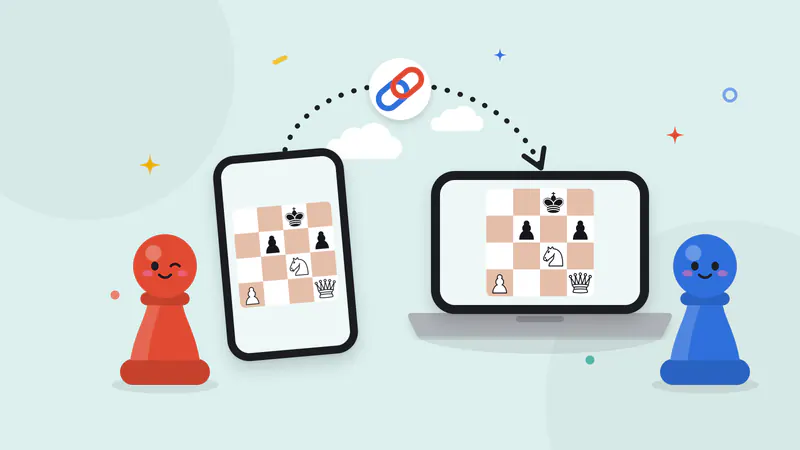
Carrom on your own devices
An online room is a private carrom board: only someone with your link or 6-character code can sit down, and nobody needs an account. Two to four friends each play on their own phone, tablet or computer, and every screen shows its own baseline at the bottom. The host picks the game in the lobby: the classic game, white against black for two or four in pairs, or Points, each for themselves, for two, three or four.
When a player shoots, the other screens show their striker and aim first, and then every screen plays the same shot to the same final board: our server works out each shot with the same rules as our one-device carrom, so the coins land in the same place for everyone.
Free for 2, 3 or 4 players, each on your own phone, tablet or computer. Share a link or a 6-character code; nobody needs an account or a download.
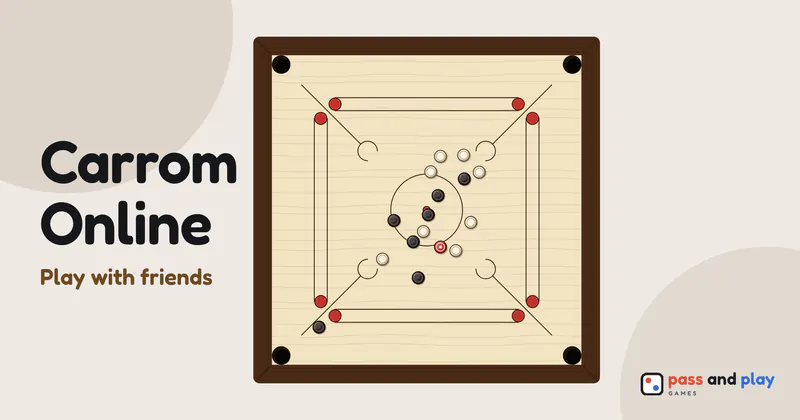
How to play carrom online with friends
The room is a private carrom board for two, three or four people. The host sets the number of seats and the game in the lobby. Classic: white against black is for two players, or four in pairs with partners sitting opposite: pocket your nine coins and cover the queen before the other side clears theirs. Points: every coin counts is for two, three or four, each for themselves: a black coin is worth 10, a white 20 and the queen 50 once it is covered, and the most points when the board is clear wins. With three seats only the Points game can start. The host also picks a single board or a longer match for the classic game, the aim guide, how the queen counts and who breaks, and everyone else sees those choices before the game begins.
Anyone who opens the link once the seats are full joins as a watcher. They see every shot and every score, from the side of the first player, and can’t shoot.
A carrom game on several screens
Each player sees the board from their own seat: your baseline is always at the bottom of your screen, whoever is shooting, so the board never turns under your thumb. The badges round the board show each side’s coins or, in the Points game, each player’s points.
When it is your turn, the striker appears on your baseline. Slide it along with the bar under the board, aim, and pull back on the striker to shoot, or use the power bar on the right of a wider board. The other screens first show your striker and your aim line for a moment, and then every screen plays the same shot. Our server works the shot out with the same rules as the one-device game and sends the result to everyone, so the coins stop in exactly the same places on every phone, tablet and computer. Nobody can shoot while their own screen is still playing the last shot.
How you shoot is your own choice: Controls in the More menu switches between Pull back and Aim, then pull on your device only. Concede is in the More menu too; in the Points game a player who concedes is out and keeps their points, and the others play on.
Tips for carrom with friends far away
- Keep a call going. The room has no chat, and a good cut deserves a cheer. A phone call or a message thread alongside the room is where that belongs.
- Use the keyboard on a computer. The arrow keys move the striker, A and D aim, W and S set the power and Enter shoots, which makes very fine aim easy.
- Take your time. There is no shot clock: the room holds the board while someone thinks, and a phone that went to sleep comes back to the same position.
- Pick the Points game for a crowd. With three players, or when four friends would rather not play in pairs, every coin counts for whoever pockets it.
The carrom rules cover the classic game, the queen, fouls and the Points game, and the carrom tutorial covers aiming and cut shots. For friends sharing one screen, or a game against the computer, play carrom on one device.
Rooms are private and close by themselves after the game; the server keeps a room’s names and moves only while it is open. See the privacy policy for the details.