Tic-Tac-Toe on your own devices
A game of tic-tac-toe takes a minute, so playing online is really about the series. Create a room, send the link, and you and a friend play X and O from your own phones or computers. The host starts each rematch in the same room and the score carries over, so a run of five games needs one link, not five.
Each rematch hands the first move to the other player, so the series stays fair, and the server checks every mark: three in a row across, down or diagonally wins, and a full board with no line is a draw. One of you can be on a phone and the other on a laptop; each screen shows the same grid the moment a mark goes down.
Free for 2 players, each on your own phone, tablet or computer. Share a link or a 6-character code; nobody needs an account or a download.
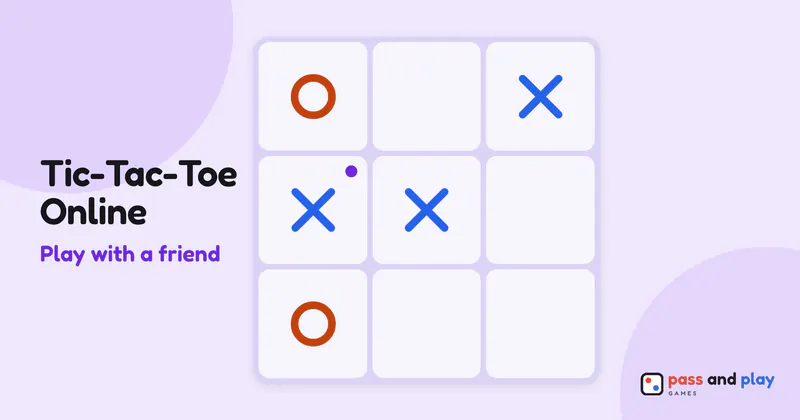
How to play tic-tac-toe online with friends
The host’s mark is X, and the friend who opens the link plays O. In this game X doesn’t have to start: the lobby’s Who goes first lists both names with their marks, and the host can give the opening move to either of you. There are no other options, because the grid is always 3×3. Once O has a name in the seat, the host taps Start, and whoever was picked to go first can play straight away.
The marks stay with the players from one rematch to the next, so a friend who joined as O stays O for the whole series, including the games where O makes the first move.
A one-minute game on two screens
One tap places your mark. Tic-tac-toe has no tap-twice step, so on a small phone aim for the middle of the square. While your friend is thinking, your bar reads “Waiting for” their name and your grid ignores taps, so you can’t place a mark out of turn even by accident. The last mark played stays highlighted, which helps when you look back at the screen after a few seconds away.
When a line of three is made, it lights up on both phones and the result appears for both of you. Only the host has the Rematch button; the friend sees “Waiting for” the host “to start the rematch”, and can tap Ask for a rematch to nudge them or leave the room from there.
Rematch keeps the score running. Going back to the lobby with New setup starts it from zero, and that is also how you switch players: seated people pick Watch instead from the ⋯ menu on their own row, and anyone watching picks Take a seat from theirs when one is empty.
Tips for tic-tac-toe with friends far away
- Start a game over without losing the score. If a game goes wrong in the first moves, the host can tap Restart in the Room sheet: a clean grid, the same player goes first, and the series score stays as it was.
- Play winner stays on. A group of three or four can all open the same link: two play and the rest watch. After each game the host taps New setup, the loser picks Watch instead from their row’s ⋯ menu, and the next challenger takes the seat. The score restarts each time, so keep a count in your group chat.
- Expect draws. With careful play from both sides, tic-tac-toe always ends in a draw, so a long series between two good players gets decided by the first slip. A long run of rematches becomes a test of who stays focused longer.
- Warm up first. The computer opponent on the one-device page has an easy, a medium and a hard level, and the hard level never loses, which makes it a good sparring partner before a series with a friend.
The tic-tac-toe rules cover the grid, the eight winning lines and the other name, noughts and crosses. The tic-tac-toe strategy tutorial shows how forks work and how never to lose. For the computer opponent, or one shared screen, play tic-tac-toe on one device. Ready for something bigger than three squares a side? Our list of pen and paper games has more classics.
Rooms are private and close by themselves after the game; the server keeps a room’s names and moves only while it is open. See the privacy policy for the details.