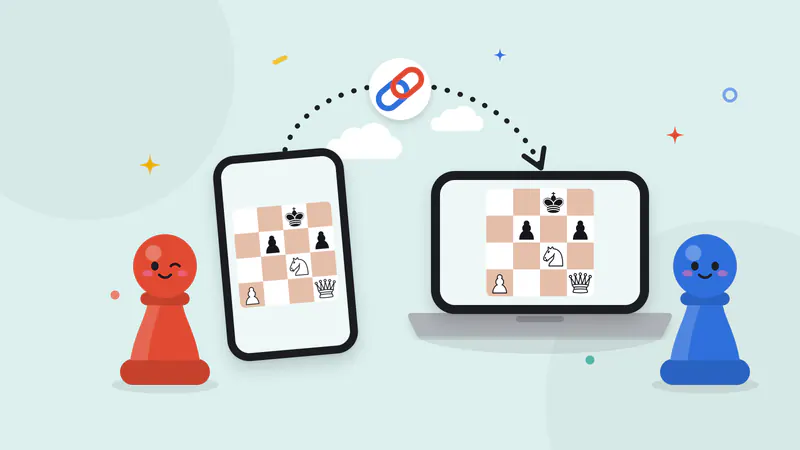
Royal Game of Ur on your own devices
The Royal Game of Ur is a two-player race: throw four dice, move one of your seven pieces, and knock your rival’s pieces off the shared middle row. Online, our server throws the dice and both players see the same total. Landing on a rosette earns another throw, and the middle rosette keeps a piece safe. Send the link and play from your own phones or computers.
Free for 2 players, each on your own phone, tablet or computer. Share a link or a 6-character code; nobody needs an account or a download.
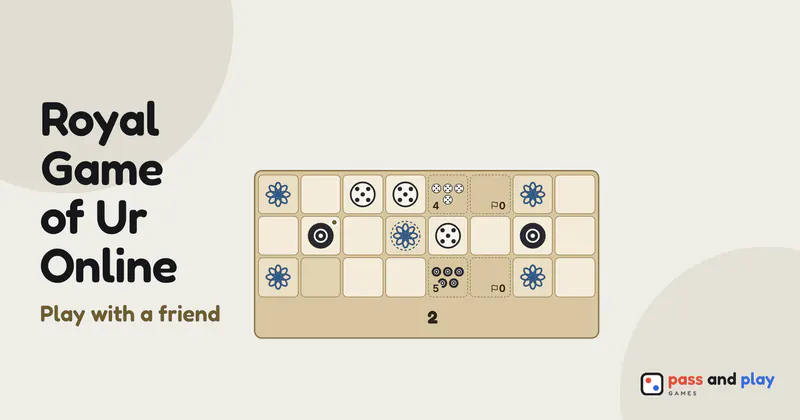
How to play the Royal Game of Ur online with friends
Royal Game of Ur online multiplayer is a race for exactly two: a White seat and a Black seat, seven pieces each. Whoever creates the room plays White, and the friend who opens the invite link plays Black. Anyone else who follows the link can watch the race on their own screen, though only the two seated players throw and move.
The lobby has one setting, Who goes first, which lists both players by name and color. The host chooses and the friend sees the choice as it is made. The board, the four dice and the rosettes work exactly as on our one-device game, so there is nothing else to agree on before the host taps Start.
A throw at a time on two screens
- Throwing is its own step. On your turn you throw with Roll in the action bar or by tapping the dice on the board. Until you do, your friend’s bar shows that the throw is yours, with your name.
- Forced turns play themselves. A throw of 0, or a throw no piece can use, passes the turn without a tap, and both bars say why, for example “rolled 0: no move”. When only one piece can move, it moves by itself, so nobody sits waiting for a choice that isn’t really a choice.
- Pieces home, at a glance. Each badge counts how many of that player’s seven pieces have been borne off, on both screens, so you always know who is ahead in the race.
- Captures land on both boards at once. When a piece is knocked off the middle row, it goes back to its owner’s stack on every screen at the same moment.
- The result keeps the count. The result dialog lists how many pieces each player bore off, and the host’s Rematch gives the other player the first throw while White and Black stay where they are.
Tips for the game of Ur with friends far away
- Set aside 15 to 30 minutes. That is how long a race usually takes, and a game left halfway is a shame when one capture can swing it.
- A spectator on your sofa. Someone at home who wants to follow the race can scan the QR code under your Room button and watch on their own phone, without taking a seat.
- Cheer the rosettes out loud. The room itself has no chat, so keep a call open: a piece landing on a rosette for another throw is a moment worth sharing.
- Phone fell asleep? Unlock it with the tab still open and it reconnects by itself, then shows the race exactly where it stands. Your seat is kept while you are away.
Learn the race
The Royal Game of Ur rules explain the board, the four dice and the rosettes, and the beginner strategy tutorial covers rosette control, when to capture and how to use every throw. To pass one phone between you or race a computer opponent, play the Royal Game of Ur on one device.
Rooms are private and close by themselves after the game; the server keeps a room’s names and moves only while it is open. See the privacy policy for the details.